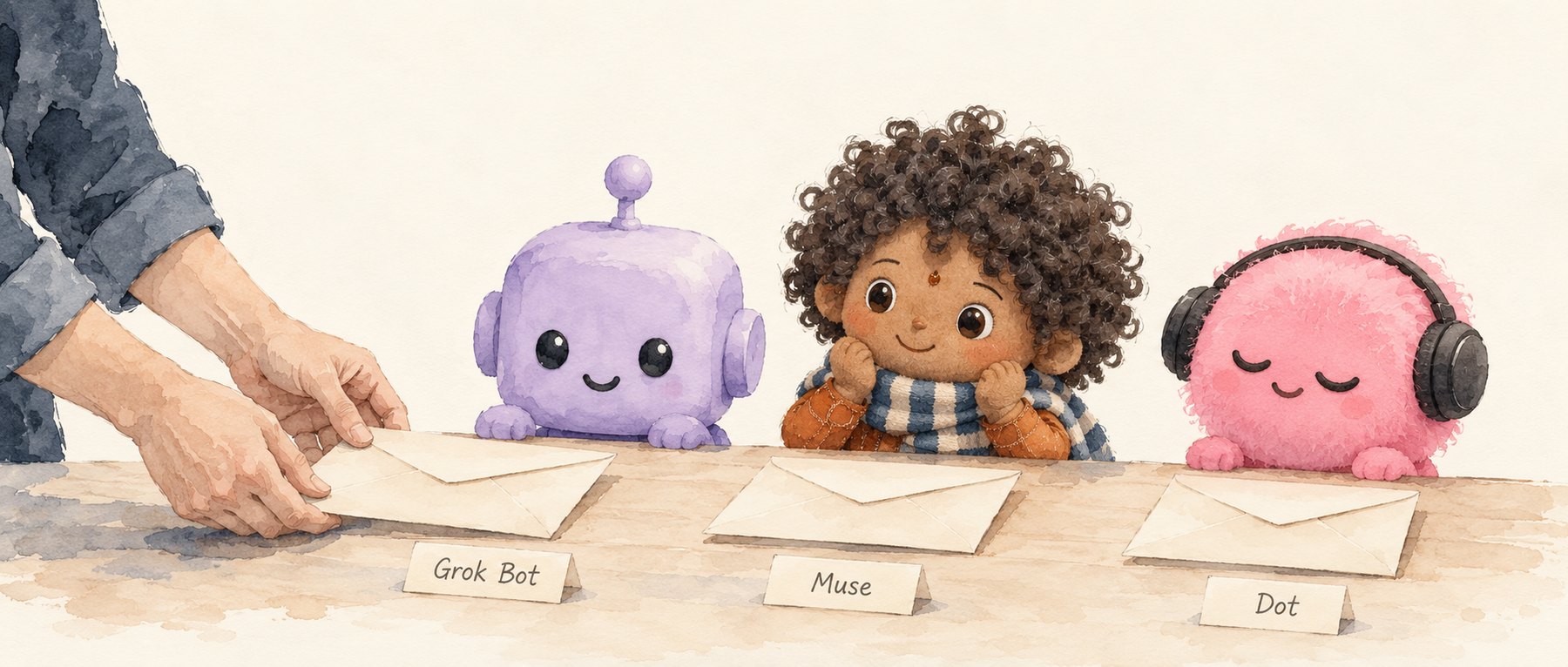
On September 29, OpenAI released Dot. Before that, xAI shipped Grok Bot and Meta launched Muse. Three companies, weeks apart, all racing to turn AI into an assistant that works for you over the long haul: it has a name, it remembers your habits, it takes on a job and comes back when the job is done. Read the launch posts for Grok Bot, Muse and Dot and you’ll find some version of that description in every one.
What these products remind me of is the moment graphical interfaces first reached ordinary people.
Back then, we turned the computer’s functions into folders, notepads and a trash can. Today we’re turning agents into secretaries, coworkers and butlers. Both times, design faced the same problem. The technology could already do a lot, and people had no idea what to do with it.
A machine that can do anything still needs someone to know what to ask
The AI news people usually cheer is a breakthrough: a new model, a jump in capability. This round of assistants has none of that. Nothing changed underneath. The product was simply rearranged. So why is everyone talking about it?
Plenty of what Muse does was already possible with existing features in Codex and Claude. They connect to tools, schedule tasks, adjust workflows. Muse blew up because it presented those abilities to the public in a form that made sense. It’s a textbook case of design changing how people understand a product.
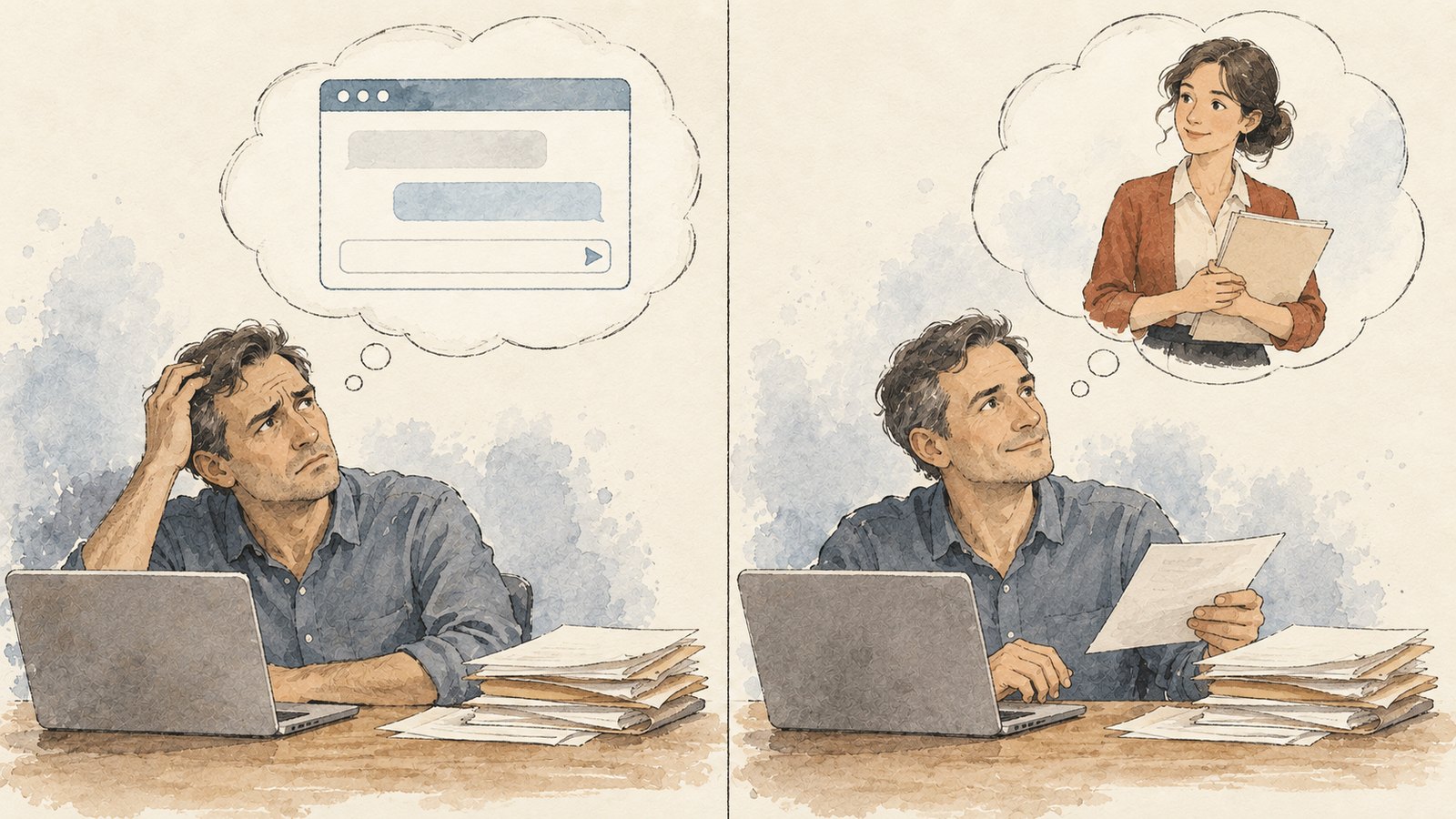
Tell an ordinary person “here’s an extremely powerful AI, ask it anything,” and it doesn’t follow that they’ll think of something to ask. The broader the capability, the harder it can be to grasp. With no clear purpose, the user has to invent a use for the product before they can use it.
Tell them “this is your personal secretary,” and it gets concrete at once. They think of sorting out their calendar, handling email, preparing for meetings. Call it “your kid’s tutor,” and they think of walking through homework problems, setting practice, keeping track of progress.
The abilities didn’t appear because someone gave the thing a name. The role is what tells the user: so this is how I’m meant to use it.
Creative people will keep stretching it, even invent roles of their own. Most people will stay inside the templates they’re handed. A few people mastering a general-purpose tool is no reason to expect everyone else to explore the way they do.
It’s the same design logic as the move from the command line to the desktop. A skilled user could fly through DOS, but their fluency did nothing for everyone who just needed to get started. The graphical interface took abilities computers already had and made them legible and usable for far more people. That’s when the personal computer actually moved into the home.
The folder’s old job now belongs to the secretary
The skeuomorphic interfaces of the early personal computer solved real problems.
Files, storage and operations inside a computer are deeply abstract to someone meeting one for the first time. But put files in a “folder,” drop what you don’t want in the “trash,” and people can lean on what they already know from daily life to make sense of what’s happening on screen.
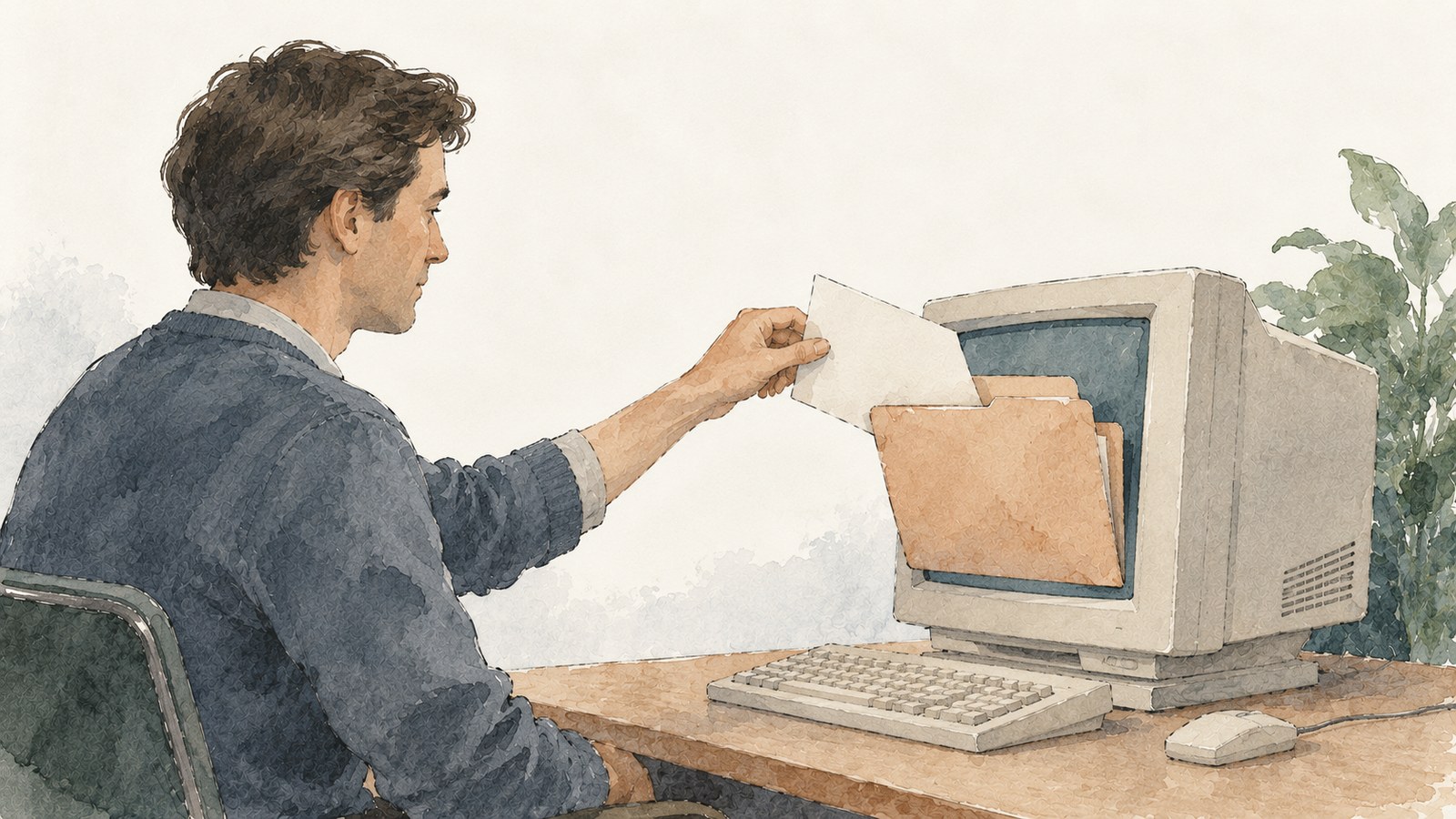
In 1981, the designers of the Xerox Star spelled it out: the office metaphor made the system familiar and took the edge off how alien a computer felt.
Later, the notes app on your phone looked like a paper notebook, ebooks sat on a wooden bookshelf, and voice recorders showed a microphone. Each gave a digital function a familiar face you could recognize.
But once people knew these functions well, faithfully imitating paper, leather and wood grain stopped earning its keep. We know what a notepad is. We don’t need to check, every time we open it, that it still looks like a real notebook.
That’s why I prefer to call what came next “de-skeuomorphism.” “Flat design” describes the visual result. “De-skeuomorphism” shows you the cause: users’ understanding changed, so the job of design changed with it.
iOS 7 was the landmark of that shift. Apple talked about simplicity, clarity, and bringing order to complexity. In design terms, people fluent in digital tools no longer needed such a thick layer of skeuomorphic explanation.
Today’s agents have run straight back into the unfamiliar-tool problem.
Knowing how to use a phone doesn’t mean knowing how to use an AI that works on its own. The interface can be stripped down to a single text box, and “what can I actually get this thing to do?” still hangs over the user.
So skeuomorphism is back. This time it isn’t in the UI. It’s in casting the AI as a secretary, a butler, a teacher.
One more thing. Getting from the command line to the graphical interface took thirty years. Getting AI from a chat window to a persona took three.
What the agent imitates is a relationship
I’d call this “relational skeuomorphism.”
It goes deeper than giving an AI an avatar and a voice. A secretary means you can hand off errands. A coworker means you can hand over work. A coach means it will keep checking in. The role explains what the AI can do, and also how you’re supposed to deal with it.
Users used to arrange objects on a screen. Now they’re giving instructions to a “person.”
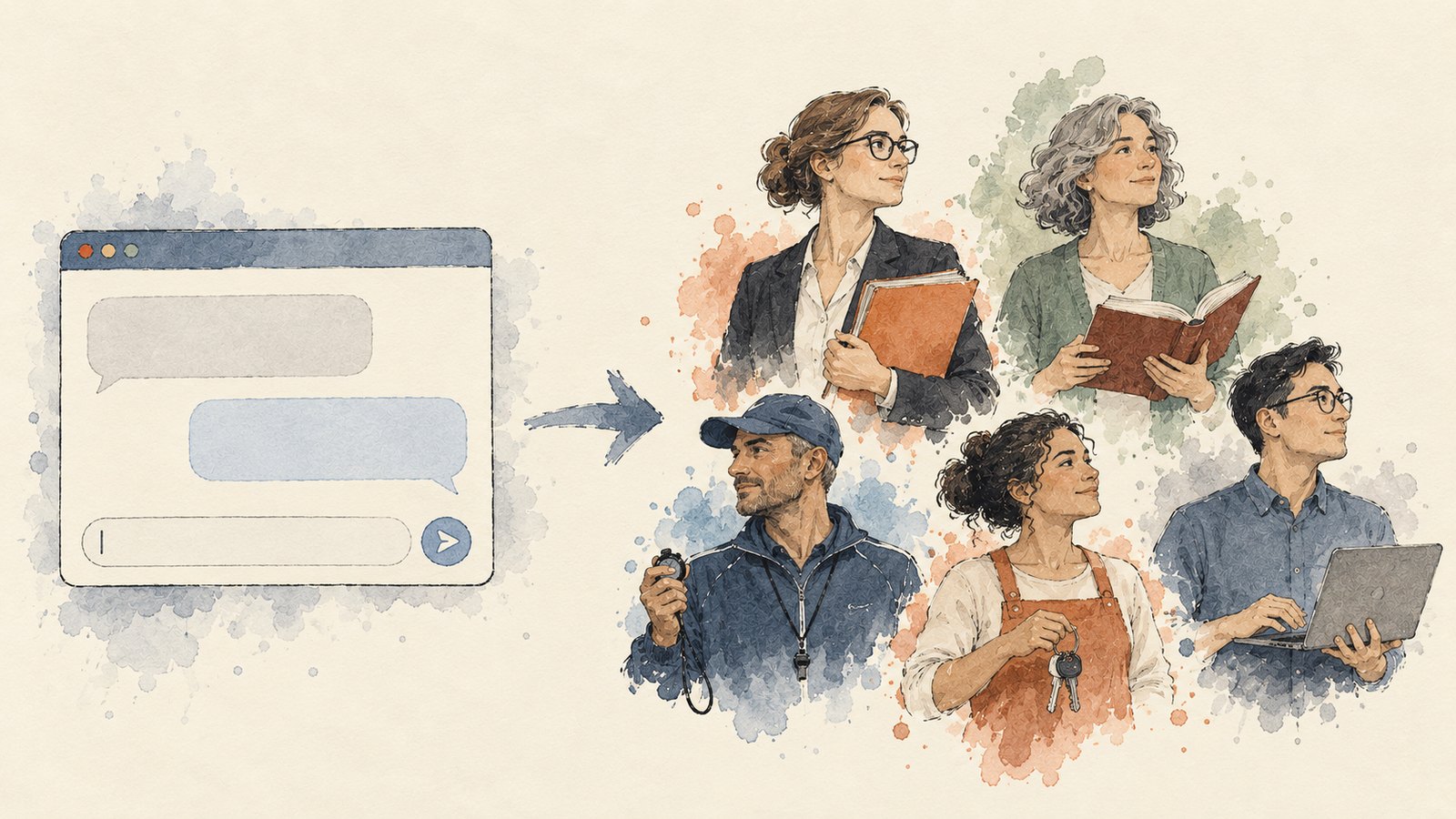
Muse’s design team offers a detail that captures the shift exactly. They built the exchange as one continuous conversation, like spending time with another person. As conversations grew longer, talking to a corporate logo started to feel strange, so they added characters you can name and customize. They also found the product could do so much that users didn’t know where to start, so it had to volunteer suggestions.
Which tells you the design problem is no longer just where to put the buttons. It’s how a very capable system finds its way into an ordinary person’s life.
Seen this way, the early history of graphical interfaces still has something to teach. In 1994, Magic Cap organized digital functions into a desk, rooms, a hallway and shops along a street. Users understood features through familiar places and found services along familiar routes.
Back then, design borrowed objects and spaces. Now it borrows roles and relationships. What’s being imitated has changed. The idea underneath, helping people understand a new technology through something they already know, never has.
Will AI keep pretending to be a person?
My guess: over the next few years AI products will go through a loud, full-blown phase of anthropomorphism, and then, just as surely, walk the old road again, drop the human act, and drift back toward the abstract.
Interface history is the reference point. After iOS 7, the notepad lost its leather and paper texture, but the folder and the trash can are still with us. What went was the imitation of surfaces. What stayed was the structure people already knew. Nobody today pictures a folder on their computer as a paper sleeve. It has become a concept in its own right.
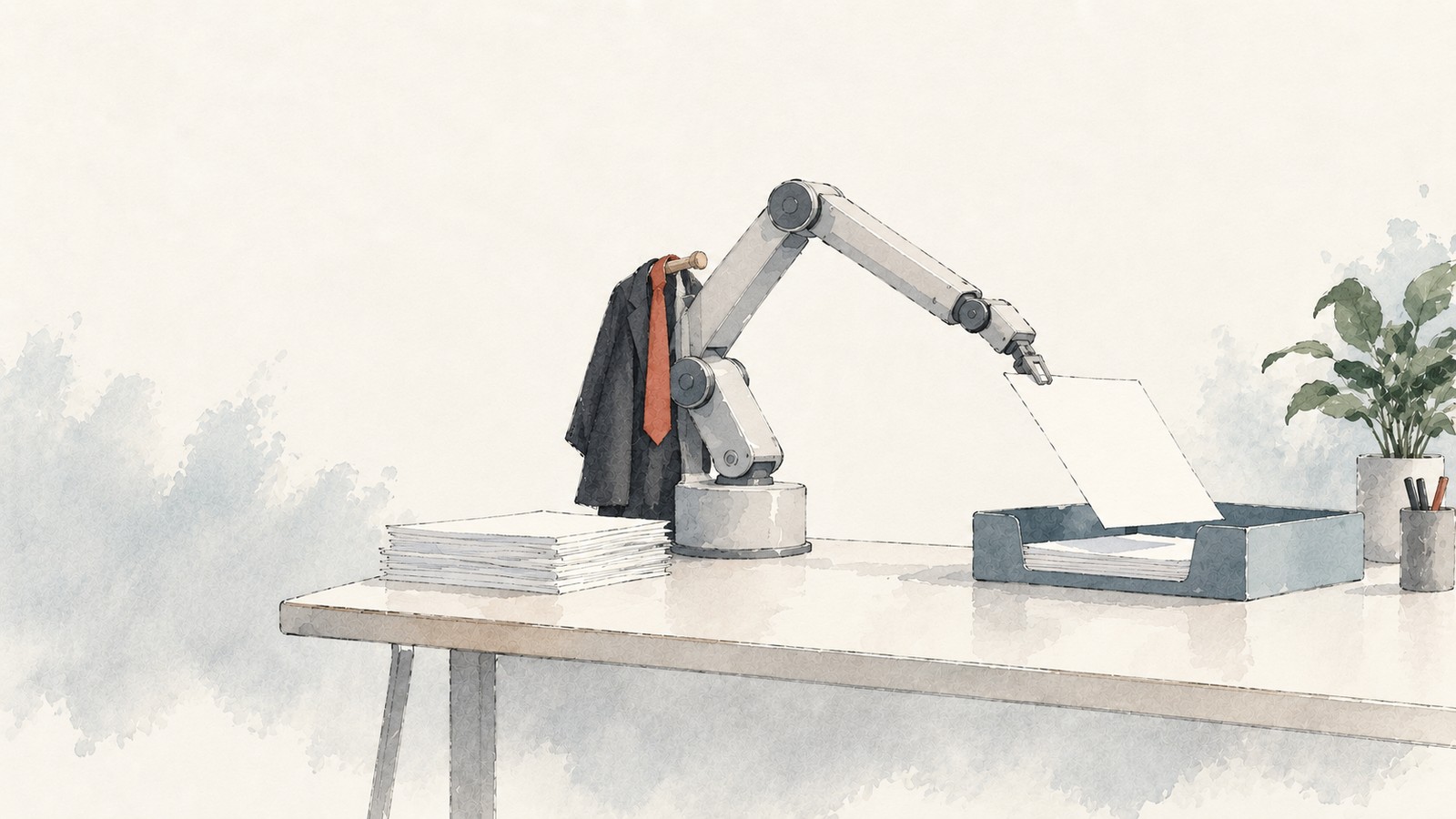
Agents will probably go the same way. The human trappings, the avatar, the name, the small talk, will fade out. The habit of “hand it a task, and it tells you when it’s done” will stay, and it won’t need a secretary to explain it anymore. Design for AI will increasingly grow around what the technology itself can do, into forms that don’t lean on human roles at all.
What exactly that looks like, nobody can say yet. But we can reason along the path interface design has already walked: which imitations helped people understand and which only added steps, when a familiar form still earns its place and when it’s time to let it go. The experiments and wrong turns of the graphical interface have a great deal to teach anyone designing AI products today.
History doesn’t repeat itself, but it rhymes. From the folder to the personal secretary, design is once again borrowing something familiar to bring an unfamiliar technology into ordinary lives. Before deciding where to go next, it’s worth looking back.